

Bringing a phone to Uzbekistan: IMEI registration explained
Dial *#06# on your phone and a 15-digit number appears on the screen: the IMEI. In Uzbekistan, that number decides whether a local SIM keeps working in your phone. Every device on a local mobile network has to be registered in the national UzIMEI system, and an unregistered one is eventually blocked.
For most of our guests this means no action at all. Here is who needs to register, how it works and how to check your phone, from our team in Tashkent.
Who needs IMEI registration
It depends on the SIM in your phone, not on the phone itself:
- Roaming on your home SIM: no registration needed. For visitors who never put a local SIM in the phone, it is free and optional.
- Travel eSIM from a foreign provider: it connects in roaming, so the same applies.
- Local SIM bought with your passport: the operator issues it to you as a non-resident. Foreign visitors then have 60 days from the first connection of the local SIM before registration is required.
- Residents of Uzbekistan: 30 days.
So a one- or two-week tour with a local SIM needs nothing. Registration matters if you stay longer than 60 days, plan to live or work here, or keep using the same local SIM over several trips.
A dual-SIM phone has two IMEI codes. Both are registered, and each is checked separately.

Customs: declare the phone when you arrive
To register an IMEI, you need proof that the phone cleared customs. For a phone you carry in yourself, that proof is your arrival declaration. If there is any chance you will stay beyond 60 days, declare the phone at the border.
The declaration is filed in the Yo'lovchi deklaratsiyasi app from Google Play or the App Store. Choose to declare devices, add each phone with its brand, price, weight and all its IMEI codes (type them in or scan the barcode on the box), then show the QR code to the customs officer.
Phones come in duty-free within these limits:
- by air: up to two phones worth less than $1,000 in total;
- by train or river: one phone every six months, worth less than $500;
- by car or on foot: one phone every six months, worth less than $300.
Above the limit, the duty is 30% of the amount over it. Customs values phones by its own price database, and a purchase receipt helps confirm the price.
No customs declaration for the phone? You can still register it, but only after paying customs duty: 30% of the phone's value by the customs database. You apply through imei.customs.uz or the my.gov.uz service for mobile devices not registered with customs, pay, and receive a customs receipt order. Only then can the IMEI be registered. Declaring on arrival is the cheaper route.
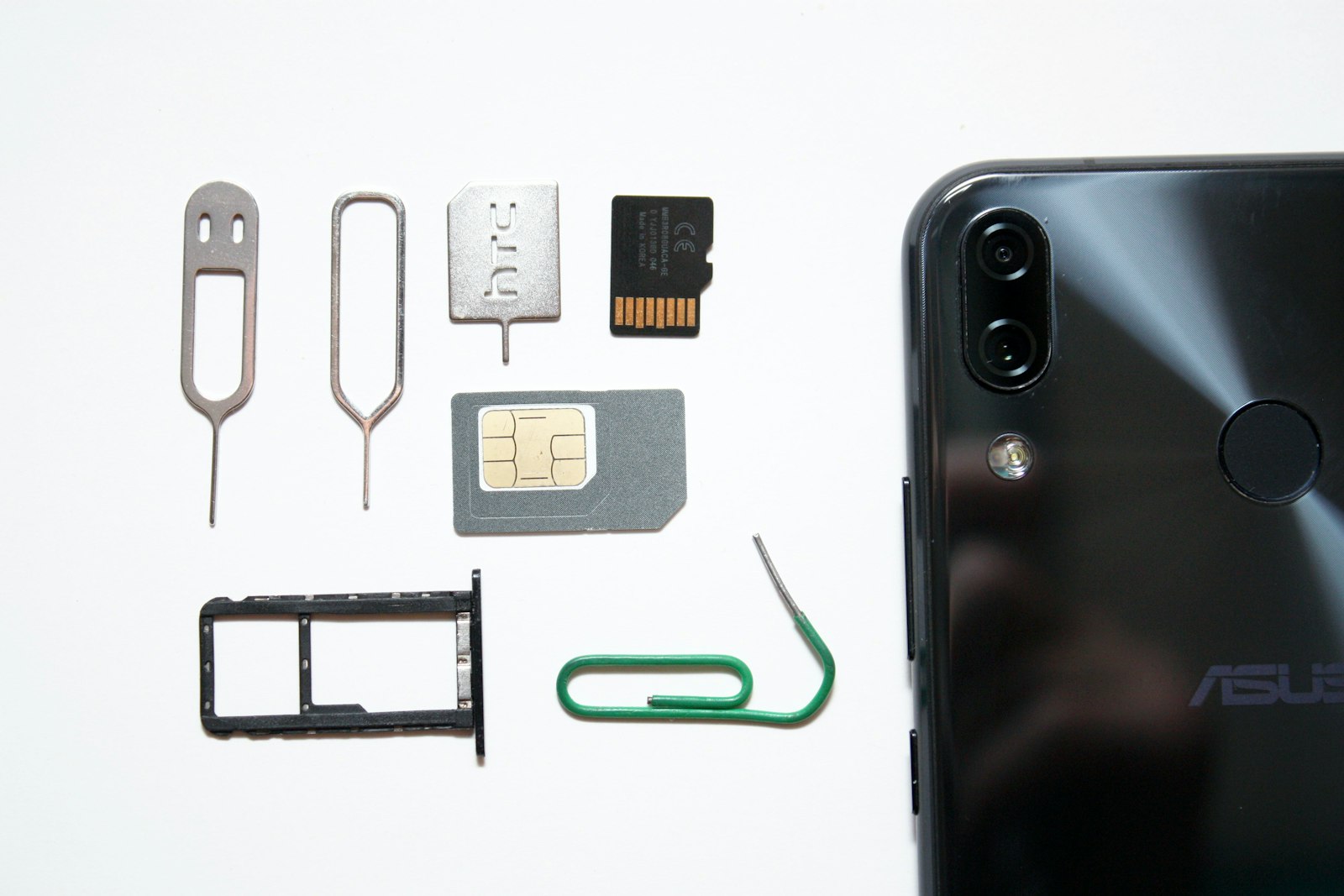
How to register the IMEI, step by step
- Find the IMEI codes: dial *#06#, or look at the box, the warranty card or the phone's settings. Take a screenshot, because the codes often cannot be copied.
- Check that the local SIM is issued in your name, on your passport. The phone number you register with must be yours.
- Choose a channel. In person, take your passport, the phone and its SIM to a post office or to your operator's office: Mobiuz, Ucell and Uzmobile register phones of their own subscribers. Online, the form at uzimei.uz and the Birda app are open to non-residents too, and the my.gov.uz app offers registration with Face ID.
- Pay. You receive an application number by SMS and pay online or offline, for example in Click or Payme, within 10 days.
- Check the status afterwards (see below).
Registration is paid. As of October 2026 it costs 82,400 so'm within 30 days of the first connection and 103,000 so'm after that. If you know you are staying long, register early: it is cheaper, and you no longer have to watch the deadline.
Each IMEI is registered only once, so this is done once per phone.
What happens if you do not register
When the deadline passes, the phone goes on the blacklist and is blocked on local networks: the local SIM stops working in it. Service comes back once the IMEI is registered, and unblocking costs 103,000 so'm.
How to check your phone's status
- Dial *1170#, choose the language, then the IMEI check, and enter the code.
- Send the IMEI by SMS to 1170.
- Enter the IMEI in the status check on uzimei.uz.
The UzIMEI helpline is 1170, around the clock. Buying a phone in Uzbekistan? Check every IMEI before you pay: a local SIM will not work in a phone with an unregistered code.
Our tips
- Buy the SIM at an operator office with your passport: it is issued to you as a non-resident, which is what both the 60-day rule and later registration rely on.
- Keep the customs declaration, the QR code or a screenshot of it, until you leave. Without it, registration means paying duty first.
- Write down your IMEI codes before the trip.
- Count the 60 days from the first time a local SIM connects in your phone, not from your arrival date.
Choosing an operator, data packages and eSIMs are covered in internet and mobile network in Uzbekistan. Hotel registration and cash rules are in registration and customs. Planning a long stay? Write to us, and we will help you set up your phone before you fly.
In short
- Roaming and travel eSIMs need no IMEI registration.
- With a local SIM issued on your passport, foreign visitors have 60 days; residents have 30.
- Staying longer: declare the phone at customs on arrival, then register it online, in an app, at a post office or at the operator's office. Registration is paid.
- An undeclared phone can be registered only after customs duty is paid.
- Check the status with *1170#.